
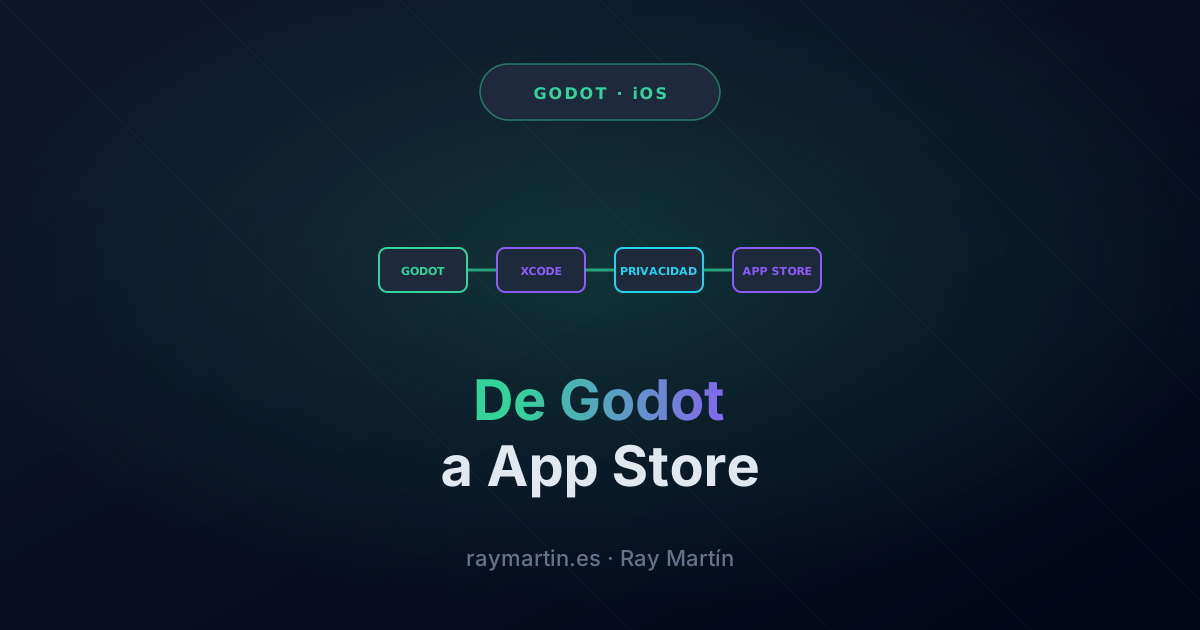
Quick answer: to publish a Godot game on iPhone you need a Mac with Xcode, an Apple Developer account, and the iOS export template. Godot generates an Xcode project, you sign it, and you upload it to App Store Connect. What really takes time isn't the export: it's designing for mobile from the start and declaring privacy exactly as the game handles it.
I'll walk you through it with a real case: Tarnix, an action loot RPG for iPhone that I built in Godot and that is on the App Store.
What do you need before you start?
The Godot documentation makes it clear: for iOS you have to export from a Mac with Xcode installed, using the engine's export templates, and the App Store Team ID and bundle identifier are required. At the time of writing, the stable version is Godot 4.7.
- A Mac with Xcode, because the final build and signing happen there.
- An Apple Developer account, with an annual fee, to sign and publish.
- The Godot export templates for the same engine version you use.
- A test iPhone. The simulator helps, but performance and controls only show up on a real device.
How do you design a game to be played with one hand?
The decision that shaped Tarnix the most was made at the start: portrait and one thumb. That forces several things:
- Auto-aim, because there's no second finger to aim with.
- UI at the bottom, where the thumb reaches, and information at the top, where it doesn't get in the way.
- Short runs you can leave halfway: each world has 15 floors, with a boss on 5, 10, and 15.
- Godot's Mobile renderer and orientation locked to portrait in the export, so you don't have to fight rotation.
Adjusting all of this at the end costs much more than designing it that way from the first prototype.
How do you export from Godot to Xcode?
- In Project › Export, add an iOS preset and fill in the bundle identifier, your Apple team, and the minimum iOS version.
- Set orientation and icons in the preset itself: whatever you leave blank you'll have to fix in Xcode every time.
- Export. Godot generates an Xcode project.
- In Xcode, check signing, build on a real iPhone and, once it's good, archive and upload the build to App Store Connect.
My advice is to automate it with a script from day one. Exporting, building, and uploading by hand works the first time and fails the tenth.
How do you integrate Game Center and purchases?
Godot doesn't ship with Game Center or App Store purchases. There are community plugins that expose them to GDScript. In Tarnix I use the ones from GodotApplePlugins, by Miguel de Icaza, for Game Center, StoreKit, and Sign in with Apple.
- Game Center: achievements and leaderboards without building anything of your own. Tarnix has 34 achievements and 5 leaderboards.
- Purchases: if you sell anything in the game, always include "Restore purchases". Apple requires it and players appreciate it when they switch phones.
- Sign-in: an automatic guest account, without asking for any data, and the option to link it with Apple or Google to continue the game on another device.
What do you have to declare about privacy?
This is where most games stumble. The App Store asks you for a privacy label, and it has to match what the game does and what the SDKs inside it do. Apple requires it for every new app and every update, and it explicitly includes third-party code (App Privacy Details).
- Review every SDK. If you add ads, the ads SDK collects data even if your code doesn't. The label has to reflect that.
- Ask for permission when required. On iOS, the tracking prompt (App Tracking Transparency) before using the advertising identifier, and in Europe, the consent form before requesting ads. Since iOS 14.5, tracking the user or reading the advertising identifier requires their permission through App Tracking Transparency; without it, the identifier is all zeros (Apple, User Privacy and Data Use).
- Make ads optional. In Tarnix they are rewarded videos the player chooses to watch, and there's a purchase to remove them.
- A public, up-to-date privacy policy. The App Store asks for the URL, and every version that adds something (accounts, ads, purchases, notifications) has to be explained before you publish it.
How do you pass App Store review?
Review is done by humans and they read what you write. What has worked best for me:
- Clear notes for the reviewer: how to play, where each feature required by the guidelines is, and how to test purchases.
- Screenshots and copy that match the real game. If the listing promises something that isn't there, it's grounds for rejection.
- Test with TestFlight first, on several iPhones, including an old one.
To give you an idea: according to the 2025 App Store transparency report, Apple reviewed 9.1 million submissions and rejected 2.09 million, more than half for performance reasons. And 387,087 were approved after an initial rejection: getting rejected once is normal, what matters is understanding why and fixing it.
If your project isn't a game but a website you want to bring to the stores, the path is different: in WebToApp Kit I explain how to turn a website into a native app for the App Store and Google Play.
FAQ
Can I publish a Godot game on iPhone without a Mac?
Not in practice. Signing and uploading go through Xcode, which only runs on macOS.
Is Godot good for production mobile games?
Yes. With the Mobile renderer and a design built for mobile from the start, it performs well on iPhone.
How do I add Game Center or purchases to a Godot game?
With plugins that expose Apple's frameworks to GDScript, such as GodotApplePlugins. Godot doesn't include them out of the box.
What if my game has ads?
You have to declare it in the privacy label, request tracking permission on iOS and consent in Europe, and explain it in your privacy policy.